Page316
Fault Tolerance
In order for systems and solutions within an organization to be able to continually provide operational availability they must be implemented with fault tolerance in mind. Availability is not solely focused on system uptime requirements, but also requires that data be accessible in a timely fashion as well. Both system and data fault tolerance will be attended to within this section.
Backup
The most basic and obvious measure to increase system or data fault tolerance is to provide for recoverability in the event of a failure. Given a long enough timeframe, accidents, such as that in Fig. 8.14, will happen. In order for data to be able to be recovered in case of a fault, some form of backup or redundancy must be provided. Though magnetic tape media is quite an old technology, it is still the most common repository of backup data. The three basic types of backups are: full backup, incremental backup, and differential backup.
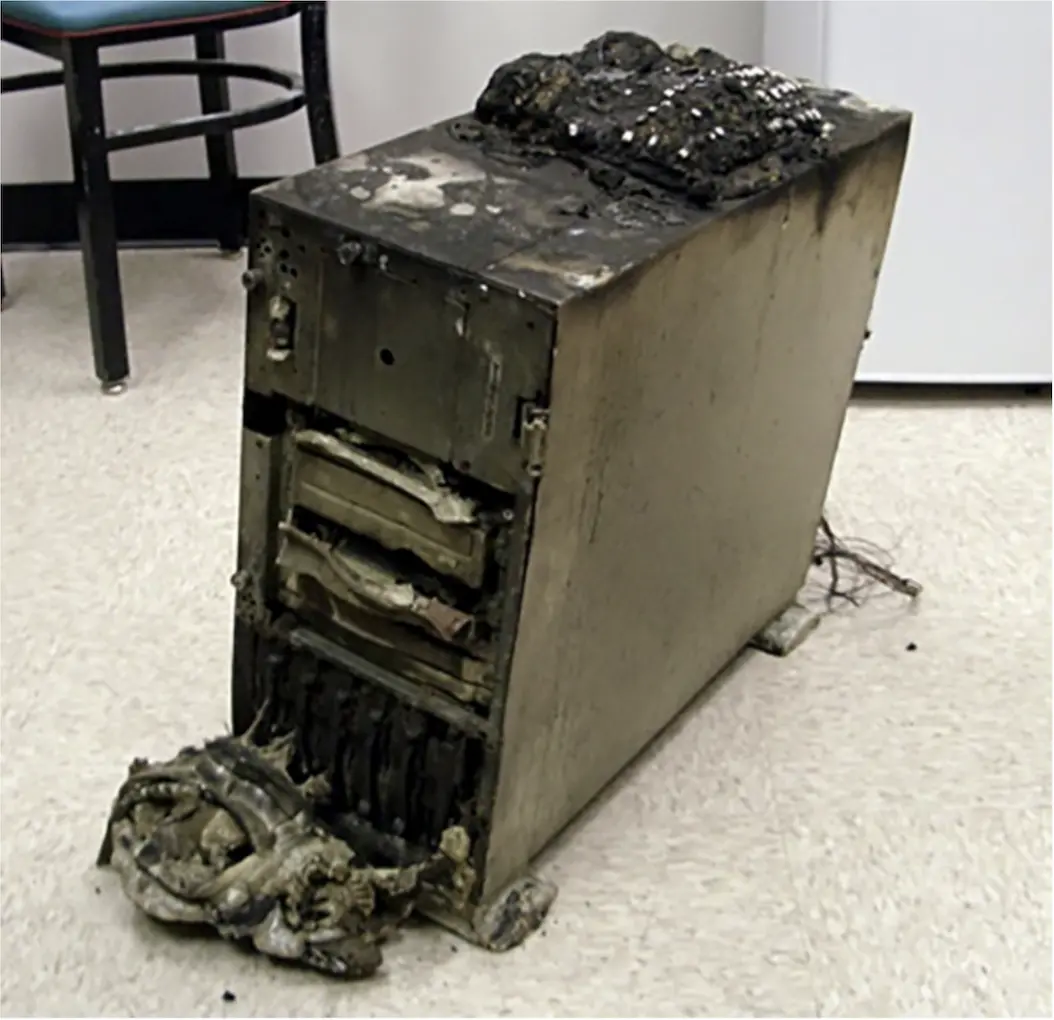 Why are backups necessary? Source: https://commons.wikimedia.org/wiki/File:Backup_Backup_Backup_And_Test_Restores.jpg. Photograph by: John Boston. Image used under Creative Commons Attribution 2.0 License.
Full
The full backup is the easiest to understand of the types of backup; it simply is a replica of all allocated data on a hard disk. Full backups contain all of the allocated data on the hard disk, which makes them simple from a recovery standpoint in the event of a failure. Though the time and media necessary to recover are less for full backups than those approaches that employ other methods, the amount of media required to hold full backups is greater. Another downside of using only full backups is the time it takes to perform the backup itself. The time required to complete a backup must be within the backup window, which is the planned period of time in which backups are considered operationally acceptable. Because of the larger amount of media, and therefore cost of media, and the longer backup window requirements, full backups are often coupled with either incremental or differential backups to balance the time and media considerations.
Incremental
One alternative to exclusively relying upon full backups is to leverage incremental backups. Incremental backups only archive files that have changed since the last backup of any kind was performed. Since fewer files are backed up, the time to perform the incremental backup is greatly reduced. To understand the tape requirements for recovery, consider an example backup schedule using tapes, with weekly full backups on Sunday night and daily incremental backups.
Each Sunday, a full backup is performed. For Monday’s incremental backup, only those files that have been changed since Sunday’s backup will be marked for backup. On Tuesday, those files that have been changed since Monday’s incremental backup will be marked for backup. Wednesday, Thursday, Friday, and Saturday would all simply perform a backup of those files that had changed since the previous incremental backup.
Given this schedule, if a data or disk failure occurs and there is a need for recovery, then the most recent full backup and each and every incremental backup since the full backup is required to initiate a recovery. Though the time to perform each incremental backup is extremely short, the downside is that a full restore can require quite a few tapes, especially if full backups are performed less frequently. Also, the odds of a failed restoration due to a tape integrity issue (such as broken tape) rise with each additional tape required.